

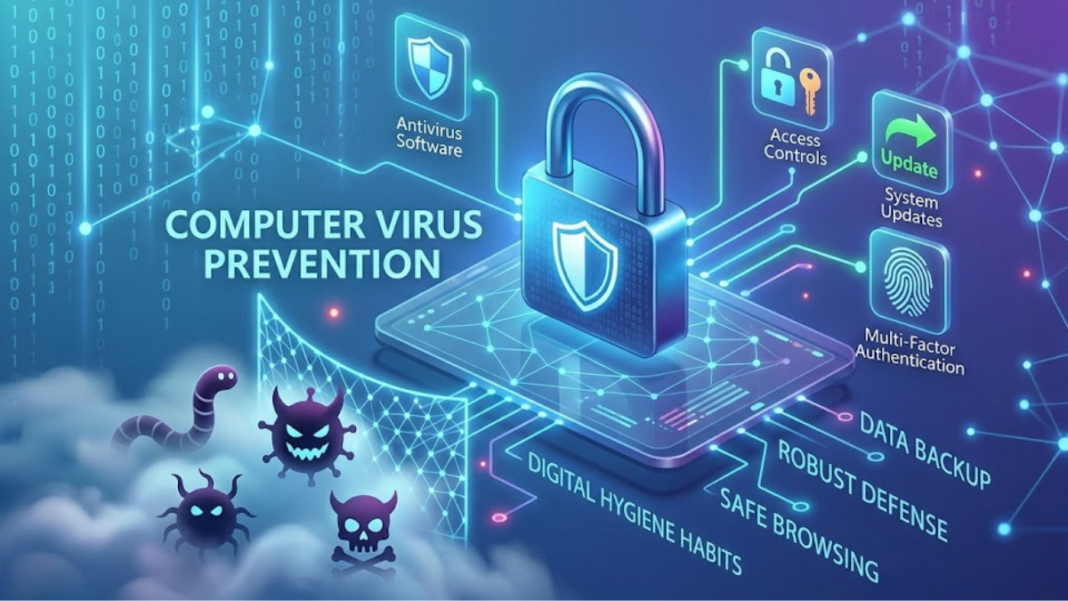

The modern world runs on data. From personal photographs and financial records to critical corporate infrastructure, our lives are deeply intertwined with digital networks. However, this absolute reliance on technology brings a significant vulnerability: the constant threat of malicious software. To safeguard your digital footprint, understanding and implementing effective computer virus prevention is no longer an optional chore; it is an absolute necessity for daily life.
also read:https://soutaipassu.com/ncedcloud/
This comprehensive guide explores the mechanics of digital threats, provides actionable strategies for robust defense, and outlines how you can build a resilient digital environment that keeps your data secure.
Decoding the Threat: What Are We Up Against?
Before we can effectively prevent digital infections, we must understand what we are fighting. While the term “computer virus” is often used as a catch-all phrase, it actually represents a specific type of malicious software, collectively known as malware.
The Anatomy of Malware
Malware is an umbrella term for any code designed to exploit, damage, or gain unauthorized access to a computer system. Understanding the nuances between these threats helps tailors your defensive strategies.
- Computer Viruses: These are programs that attach themselves to legitimate software or files. When a user runs the infected program, the virus executes its code and replicates by infecting other files on the system.
- Worms: Unlike viruses, worms do not need a host program or human intervention to spread. They exploit network vulnerabilities to travel autonomously from one computer to another, consuming bandwidth and degrading performance.
- Trojan Horses: Named after the famous Greek myth, Trojans disguise themselves as harmless or desirable software. Once downloaded and executed, they open a “backdoor” for hackers to steal data or install additional malware.
- Ransomware: This highly destructive malware encrypts a victim’s files, making them completely inaccessible. The attackers then demand a financial ransom, usually in cryptocurrency, to unlock the data.
The Core Pillars of Computer Virus Prevention
Building a strong defense against digital threats requires a multi-layered approach. Relying on a single security tool is like locking your front door but leaving all your windows wide open. A comprehensive strategy relies on four core pillars.
1. Deploying Robust Security Software
The first line of defense in any computer virus prevention strategy is high-quality antivirus or antimalware software. Modern security suites do far more than just scan files on your hard drive; they offer real-time protection, web filtering, and behavior monitoring.
These programs continuously analyze system activity. If a program begins acting suspiciously—such as attempting to modify critical system files—the antivirus software will quarantine it immediately, even if the specific threat has never been seen before.
2. Keeping Systems and Software Updated
Software developers regularly discover security vulnerabilities in operating systems and applications. Cybercriminals exploit these gaps to gain unauthorized access to devices. To counter this, developers release patches and updates.
Ignoring update notifications leaves your system exposed to known exploits. Enabling automatic updates for your operating system (such as Windows or macOS) and web browsers ensures that discovered loopholes are closed before hackers can exploit them.
3. Practicing Safe Browsing and Email Habits
Human error remains the most common entry point for malware. Phishing attacks, which involve deceptive emails or messages designed to look like legitimate institutions, trick users into revealing passwords or downloading infected attachments.
Always scrutinize incoming emails. Look for red flags such as generic greetings, urgent or threatening language, and suspicious sender addresses. If an offer looks too good to be true, or an unexpected invoice requires you to click a link, treat it with extreme caution.
4. Implementing Strong Access Controls
Securing your accounts prevents malware from moving laterally across your network or accessing sensitive personal data. Use complex, unique passwords for every account, and utilize a dedicated password manager to keep track of them safely.
Furthermore, always enable Multi-Factor Authentication (MFA). MFA requires you to provide two or more verification factors to gain access to an account, such as a password followed by a code sent to your mobile device. This ensures that even if an attacker steals your password, they cannot access your account.
Comparing Digital Defense Tools
To build the most effective security system, it helps to understand how different protective tools complement one another.
| Security Tool | Primary Function | Why You Need It |
| Antivirus Software | Scans, detects, and removes malicious code from your device. | It acts as your active, real-time digital shield against known threats. |
| Network Firewall | Monitors and filters incoming and outgoing network traffic. | It blocks unauthorized network access and stops hackers from probing your device. |
| Password Manager | Generates and securely stores complex, unique passwords. | It eliminates weak, reused passwords, which are a primary target for hackers. |
| Virtual Private Network (VPN) | Encrypts your internet connection and masks your IP address. | It secures your data when using public Wi-Fi networks from interception. |
Advanced Strategies for Complete Peace of Mind
For those who want to take their digital safety to the next level, implementing advanced security habits can make your devices virtually impenetrable to standard online threats.
Data Backup: The Ultimate Safety Net
Imagine a scenario where a highly sophisticated ransomware attack evades your defenses and locks your files. If you have a comprehensive backup strategy, the attack loses its leverage. You can simply wipe your device clean and restore your data.
Follow the 3-2-1 backup rule:
- Keep at least three (3) copies of your data.
- Store the backups on two (2) different types of media (e.g., an external hard drive and a local server).
- Keep one (1) copy in a completely secure, off-site location, such as a reputable cloud storage provider.
Router and Wi-Fi Security
Your home network router is the gateway to every connected device in your household, including smart TVs, smartphones, and laptops. If your router is poorly secured, an attacker can intercept your internet traffic or spread malware to your connected devices.
Change the default administrator password on your router immediately upon setup. Ensure your network uses modern encryption protocols, such as WPA3 or WPA2, and turn off features like Wi-Fi Protected Setup (WPS), which can be easily exploited by automated hacking tools.
Frequently Asked Questions
- Can a computer get infected with a virus simply by visiting a website?Yes. This is known as a “drive-by download.” Cybercriminals can inject malicious scripts into unsecured websites, or compromise legitimate ones, causing malware to automatically download to your device without you ever clicking a link.
- Is a Mac safer from viruses than a Windows computer?While Windows historically faced more attacks due to its larger market share, macOS is absolutely susceptible to malware. As Mac adoption has grown, cybercriminals have increasingly designed sophisticated malware specifically targeting Apple users.
- Does a factory reset completely remove a computer virus?In most cases, yes. A full factory reset that wipes the drive clean will delete the malicious files. However, some advanced malware can hide within system firmware or recovery partitions, requiring specialized tools or professional intervention to remove completely.
- Can smartphone devices get computer viruses?Yes. Smartphones are essentially pocket-sized computers and can be infected with malware, spyware, and adware. This usually happens when users sideload apps from unverified third-party marketplaces or click malicious links in text messages.
- How often should I run a full antivirus scan on my computer?While real-time protection continuously monitors active files, running a dedicated, full system scan once a week is an excellent practice to detect dormant threats hiding in archived files.
- What is a “Zero-Day” exploit?A zero-day exploit is a security vulnerability in software that is unknown to the developer. Because the creator has had “zero days” to fix it, hackers can exploit the flaw before a patch can be created and distributed.
- Can an external hard drive spread viruses between different computers?Yes. If you plug a USB flash drive or external hard drive into an infected computer, malware can copy itself onto the drive. When you connect that drive to a clean computer, the infection can spread.
- Does clearing my browser history remove or prevent computer viruses?No. Clearing your browser history or cookies only deletes records of your online activity. It does not remove active malware from your computer’s storage or prevent future infections.
- Why does my computer run slow when my antivirus is updating or scanning?Deep system scans require a significant amount of processing power and hard drive read-time to check thousands of files. Most modern software allows you to schedule these heavy scans during hours when you are not actively using your machine.
- Is free antivirus software good enough for basic protection?Free antivirus tools from reputable companies offer solid basic protection against common threats. However, paid premium versions generally offer vital extra layers, such as ransomware protection, advanced firewalls, identity theft monitoring, and secure VPNs.
Conclusion
Effective computer virus prevention is not defined by a single action, but by a consistent set of digital hygiene habits. By pairing robust, modern security software with a mindful approach to the links we click, the files we download, and the passwords we create, we dramatically minimize our vulnerability to cyber threats. The digital landscape will always feature bad actors, but with an updated system and an informed mindset, you can navigate the web safely, keeping your personal data exactly where it belongs—securely in your hands.