

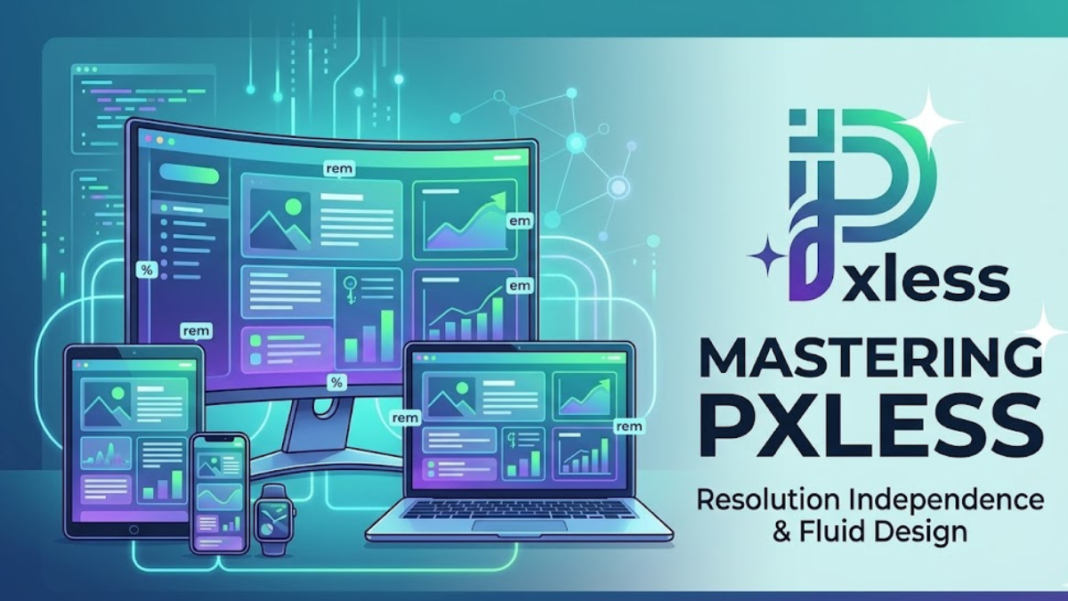

Discover the power of pxless design. Learn how resolution-independent units like rem, em, and percentages create a seamless, accessible, and high-performance digital world.
also read: https://soutaipassu.com/seekde/
Introduction
In the early days of the internet, the digital world was a rigid place. Designers created layouts for a handful of standard monitor sizes, and the “pixel” was the undisputed king of measurement. However, as the device landscape exploded into a kaleidoscope of smartphones, tablets, ultra-wide monitors, and even wearable tech, the old ways of fixed-width design began to crumble. This shift gave birth to a transformative philosophy known as pxless design.
To adopt a pxless mindset is to move away from the “static box” of the past and embrace a fluid, logical approach to digital architecture. Pxless isn’t about the literal absence of pixels on a screen—since every display is ultimately composed of them—but rather about the move toward resolution independence. It is the art of defining spaces, typography, and imagery using relative logic rather than hard-coded numbers. This guide explores why this transition is essential for modern creators and how you can master it.
The Philosophical Shift: Why Pxless Matters Now
The internet is no longer something we just look at on a desk; it is something we carry in our pockets and wear on our wrists. When a designer uses a fixed pixel value, they are essentially making a bet that every user will see the content exactly as they do. In a fragmented world, that bet is almost always a losing one.
The Problem with Legacy Pixel Design
When you define a font size as 16px, you are telling the browser to ignore the user’s personal settings and hardware capabilities. On a high-density “Retina” display, that 16px might look significantly different than on a legacy budget monitor. More importantly, pixels are notoriously difficult for accessibility. If a user with visual impairments increases their default browser font size, a fixed pixel layout can break, overlap, or remain stubbornly small, ruining the user experience.
The Pxless Solution
The pxless approach solves these issues by using relative units like rem (root em), em, %, and viewport units (vw, vh). These units don’t represent a specific number of dots on a screen; instead, they represent a relationship. By defining your design through relationships, you create a layout that “breathes” and adapts, ensuring that whether someone is viewing your work on a 4-inch screen or a 40-inch screen, the proportions remain harmonious.
Core Pillars of the Pxless Framework
Transitioning to a pxless workflow requires a fundamental understanding of how relative units interact with the browser’s “box model.” There are four primary pillars that support a successful resolution-independent project.
- Relative Typography: Scaling text based on user preferences and container sizes.
- Fluid Layouts: Using percentages and flexbox/grid logic to allow containers to expand and contract.
- Viewport Awareness: Designing elements that respond to the actual width and height of the user’s screen.
- Vector Dominance: Prioritizing SVG and mathematical shapes over rasterized (pixel-heavy) imagery.
Understanding Relative Units
To implement a pxless strategy, you must understand the math behind the measurements. Below is a comparison of the most common units used in modern development.
| Unit Type | Meaning | Best Use Case |
|---|---|---|
| rem | Relative to root font size | General typography, padding, and margins for global consistency. |
| em | Relative to parent font size | Components where elements need to scale together (e.g., icons inside buttons). |
| % | Percentage of parent | Container widths and layout structures. |
| vw/vh | Viewport width/height | Hero sections and full-screen backgrounds. |
| ch | Character width | Limiting line length for optimal readability. |
Implementing Pxless in Your Workflow
Adopting a pxless workflow isn’t just about changing your CSS; it’s about changing how you think during the wireframing and prototyping stages. It requires a collaboration between design and development that prioritizes logic over aesthetics.
Typography and the “Rem” Revolution
The foundation of any pxless site is the root font size. By default, most browsers set the root font size to 16px. In a relative system, 1rem equals 16px. If you want a heading to be 32px, you define it as 2rem.
Why is this better? Because if a user changes their browser settings to a default of 20px (perhaps for better visibility), your entire site scales proportionally. Your 2rem heading becomes 40px automatically. This “elastic” quality is what makes pxless design the gold standard for modern accessibility.
Creating Fluid Containers
Gone are the days of width: 960px. In a pxless world, we use max-width: 80rem or width: 90%. By using these units alongside CSS Grid and Flexbox, we can create interfaces that rearrange themselves based on available space. This ensures that the “visual weight” of the design remains consistent across devices.
The Technical Advantages of Going Pxless
Beyond the obvious benefits to the user, there are significant technical advantages to a pxless approach that impact performance, SEO, and maintenance.
1. Superior Performance and Scalability
Pxless designs often rely on SVG (Scalable Vector Graphics) rather than JPEGs or PNGs. Because SVGs are code-based mathematical instructions, they have a tiny file size and can be scaled infinitely without losing quality. This leads to faster load times, which is a critical factor for SEO and user retention.
2. Maintenance and Code Cleanliness
When you use a system of relative units, making a global change becomes incredibly simple. If you decide the entire site needs more “breathing room,” you can often just adjust a single variable or the root font size, and the relative padding and margins across the entire site will update accordingly. This reduces the amount of “CSS bloat” and makes the codebase much easier to manage over time.
3. Future-Proofing for High-DPI Displays
As screen technology advances, pixel densities continue to climb. A design built with hard-coded pixels will eventually look “soft” or tiny on future hardware. A pxless design, however, is calculated by the browser at the moment of rendering, ensuring it always looks sharp, regardless of how many millions of pixels are packed into the user’s display.
Common Myths and Misconceptions
Despite its benefits, some creators are hesitant to go fully pxless. Let’s debunk a few common myths that hold designers back.
- Myth: “It’s too hard to do the math.” Modern tools and CSS pre-processors (like Sass or Tailwind) handle the conversion for you. You can think in pixels but output in rems.
- Myth: “I’ll lose control over the design.” On the contrary, you gain more control because you are controlling the logic and behavior of the design rather than just its static appearance.
- Myth: “Pixels are more precise.” On a digital screen, “precision” is an illusion. Because every device interprets pixels differently, the only true precision comes from mathematical relationships.
Accessibility: The Heart of the Pxless Movement
One of the most overlooked aspects of pxless design is its impact on inclusivity. The World Wide Web Consortium (W3C) emphasizes that users should be able to resize text up to 200% without loss of content or functionality.
A pxless site handles this gracefully. Because the layout is fluid, the containers expand to accommodate the larger text. In a pixel-based layout, the text often overflows its container or gets cut off, creating a “broken” experience for those who need the most help. By choosing a pxless approach, you are making a conscious decision to make the web a more accessible place for everyone.
The Future: AI and Algorithmic Pxless Design
As we move toward the future, we are seeing the rise of “container queries” and AI-driven layouts. These technologies take the pxless concept to the next level. Instead of just responding to the screen size (viewport), elements can now respond to the size of their parent container.
This means a single component—like a card or a navigation bar—can be pxless and “smart.” It will know exactly how to style itself whether it’s placed in a narrow sidebar or a wide hero section. This level of modular, relative logic is the final frontier of modern UI development.
Frequently Asked Questions
1. Does pxless mean I can never use pixels in my CSS? Not necessarily. Pixels are still useful for things that should never scale, such as thin borders (e.g., 1px solid black) or very small, fixed shadows.
2. How do I convert pixels to rem easily? The standard formula is Pixels / 16 = rem. For example, 24px / 16 = 1.5rem. Most developers use build tools to automate this.
3. Does pxless design affect browser compatibility? Relative units like rem and em have been supported by all major browsers for over a decade. It is one of the most stable ways to build a website today.
4. How does pxless impact mobile-first design? It makes it easier. By starting with relative units on a small screen, your design naturally expands and adapts as you move toward tablet and desktop breakpoints.
5. Can I use pxless logic for images? Yes, by using the srcset attribute and the picture element, you can serve different “resolutions” of an image based on the user’s viewport, which is a form of pxless asset management.
6. Is pxless the same as “Responsive Design”? Pxless is a method of achieving responsive design. While responsive design is the goal, pxless units are the tools used to reach it effectively.
7. Does pxless design help with Google’s Core Web Vitals? Yes, by improving layout stability and reducing the need for heavy rasterized assets, pxless sites often have better “Cumulative Layout Shift” (CLS) scores.
8. What is the “62.5% hack” in pxless design? Some developers set the root font size to 62.5% (10px) to make the math easier (1.6rem = 16px). However, this is increasingly discouraged in favor of standard 16px-based math for better accessibility.
9. How do viewport units (vw/vh) fit into a pxless strategy? Viewport units are the ultimate pxless tool for elements that must scale based on the physical size of the screen, like a full-height landing page section.
10. Will pxless design replace pixels entirely? While the usage of pixels as a measurement unit in code is declining, they will always exist as the physical hardware units. Pxless is simply the abstraction layer that makes those hardware units manageable.
Conclusion
The transition to a pxless digital environment is more than just a trend; it is a necessary evolution. By moving away from fixed measurements and embracing the fluidity of relative units, we create a web that is more accessible, more performant, and more beautiful across the infinite variety of devices in existence today. Whether you are a designer, a developer, or a business owner, understanding and implementing pxless principles is the key to building a digital presence that stands the test of time.